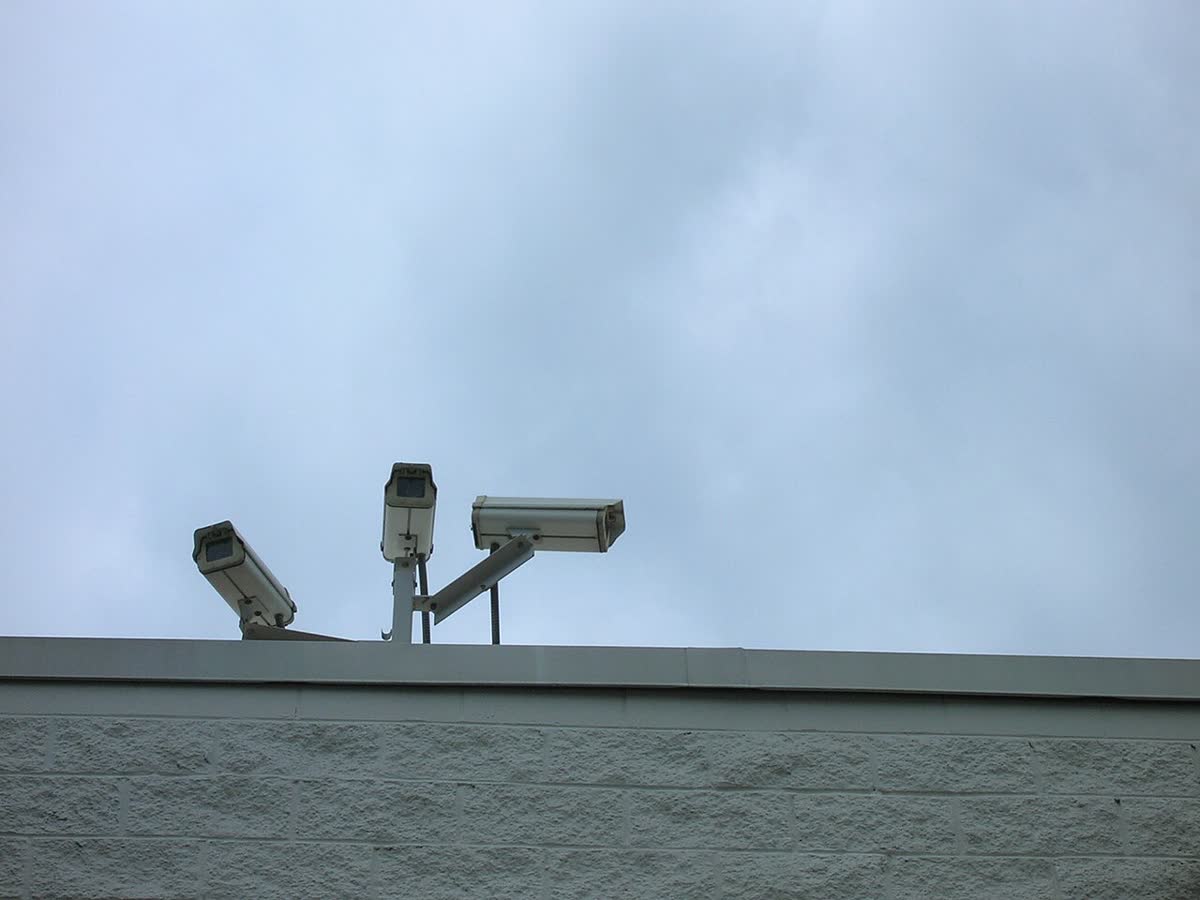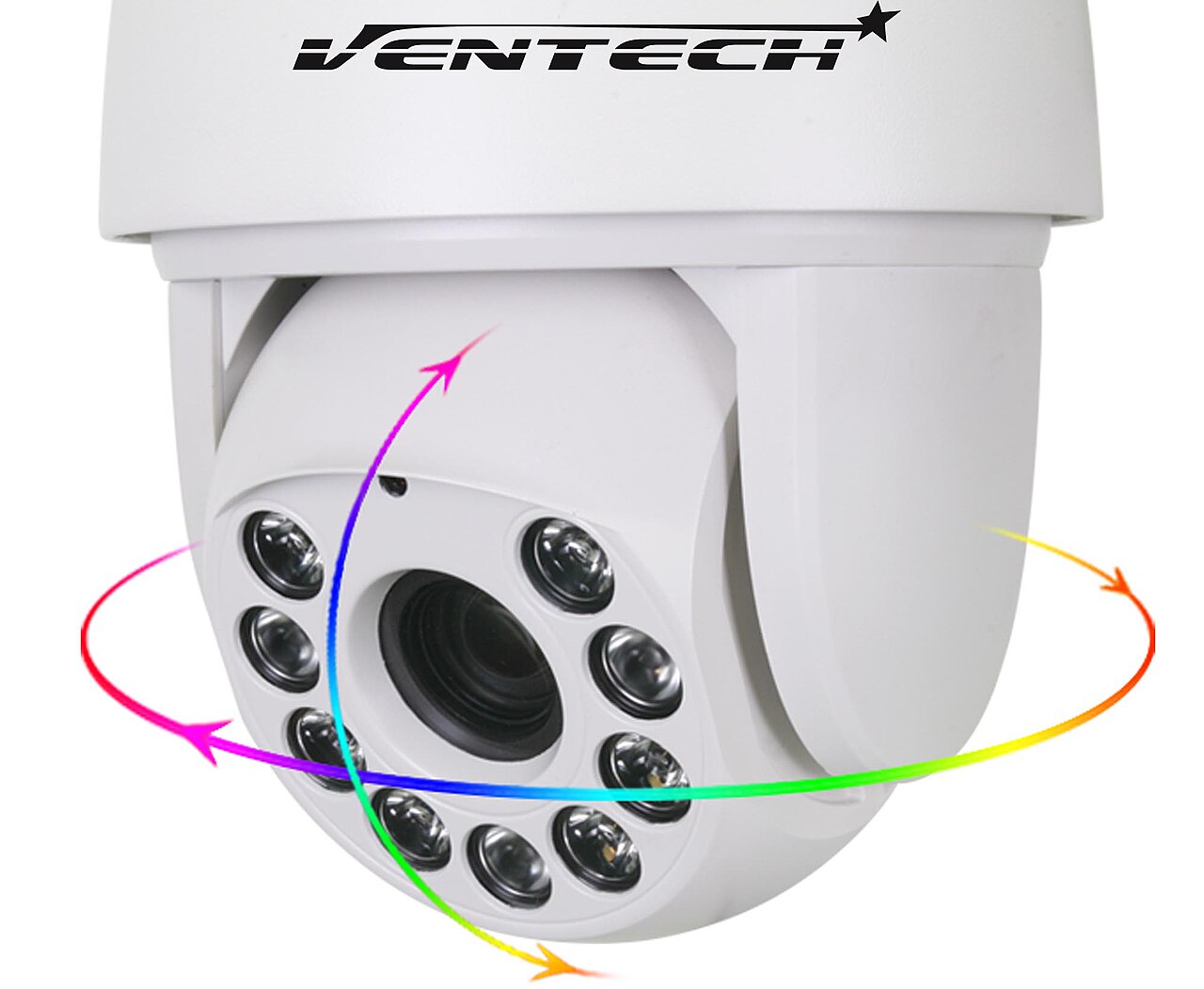
Three numbers on the same quotation are all true — “4 megapixel”, “IR range 30 m”, “0.001 lux” — and not one of them answers the question the buyer is actually asking: a person walking towards the camera 20 m away, can we identify them or not?
That is the most expensive misunderstanding in CCTV procurement. The pixel count only says how large the frame is, not how many pixels the target occupies inside it; and whether a person can be identified depends on how many pixels are stacked on that person. The measure is pixel density in px/m, it is defined in a standard, and it can be worked out from a table — yet it almost never appears on a supplier quotation.
In low-voltage systems for hotel and commercial projects, cameras are the item with the most points and the hardest rework: the position and focal length are fixed, the cable tray is up, the ceiling is closed, and only then does someone notice that a critical point “sees but cannot recognise” — and the fix is a second camera or a re-lensed and re-aimed one. So this article does not compare camera brands (that is covered in CCTV camera sourcing and factory audits with PTZ testing). It covers one thing: how to calculate the resolution and lens from distance and purpose, and then write them into the RFQ.
1. Purpose first, pixels second: pixel density is the only comparable number
IEC 62676-4, the application guide for video surveillance systems, defines image quality grades by how many pixels a 16 cm wide human face occupies in the frame, expressed as pixels per metre. The 2014 edition sets the four DORI grades:
| Grade | Pixel density | What it lets you judge | Typical camera points |
|---|---|---|---|
| Detect | 25 px/m | Whether a person has entered | Perimeter, outside the wall, roof |
| Observe | 63 px/m | How many people, what colour clothing | Lobby, corridors, car park |
| Recognise | 125 px/m | Whether it is someone seen before | Lift lobby, floor corridor, service corridor |
| Identify | 250 px/m | Who this person is | Entrance turnstile, cash desk, finance office door |
(The same standard also has a 12.5 px/m “monitor” grade and a 1000 px/m “inspect” grade, the latter for detail at the level of documents and nameplates.)
Watch the edition. Newer versions of IEC 62676-4 replace the four DORI grades with a seven-grade system at 20 / 40 / 80 / 125 / 250 / 500 / 1500 px/m, with different names and boundaries. That means the same camera can be quoted as “identification range 20 m” on the old table and land in the 80 px/m grade on the new one, with a shorter distance. The procurement action is simple: state in the RFQ which edition and which grade you are calculating against, and ask the supplier for the calculation that produces the distance, not just a conclusion of “30 m”.
2. How far a resolution reaches: you are calculating frame width, not distance
Pixel density = horizontal pixels ÷ frame width. So for a fixed resolution, once the frame width is known you know how far each grade reaches. Turned around, the full frame width is the maximum width at which that resolution still holds the grade:
| Resolution | Detect 25 px/m | Observe 63 px/m | Recognise 125 px/m | Identify 250 px/m |
|---|---|---|---|---|
| 2MP (1920 px) | 76.8 m | 30.5 m | 15.4 m | 7.7 m |
| 4MP (2560 px) | 102.4 m | 40.6 m | 20.5 m | 10.2 m |
| 8MP (3840 px) | 153.6 m | 61.0 m | 30.7 m | 15.4 m |
Read that table like this: a 4MP camera meets the recognise grade only while the frame is no wider than 10.2 m. If that 4MP camera is mounted in a lobby with a wide lens throwing a 30 m wide frame, it is effectively at the observe grade — people in the frame have visible features but cannot be recognised. That is the whole reason “4 megapixel and still blurry” happens.
3. Focal length: field of view and distance are a trade
Focal length decides how wide the frame is. Horizontal field of view ≈ 2 × arctan(sensor width ÷ (2 × focal length)); frame width = distance × sensor width ÷ focal length. Taking the common 1/2.8″ sensor with an effective width of 5.6 mm as an example:
| Focal length | Horizontal field of view | Frame width at 30 m |
|---|---|---|
| 2.8 mm | 90.0° | 60 m |
| 4 mm | 70.0° | 42 m |
| 6 mm | 50.0° | 28 m |
| 8 mm | 38.6° | 21 m |
| 12 mm | 26.3° | 14 m |
Always replace the assumed sensor width with the actual figure on the supplier datasheet — 1/1.8″, 1/2.8″ and 1/3″ sensors are different widths, and at the same focal length the frame width can differ by 20 to 30 percent. The formula does not change; substitute and calculate.
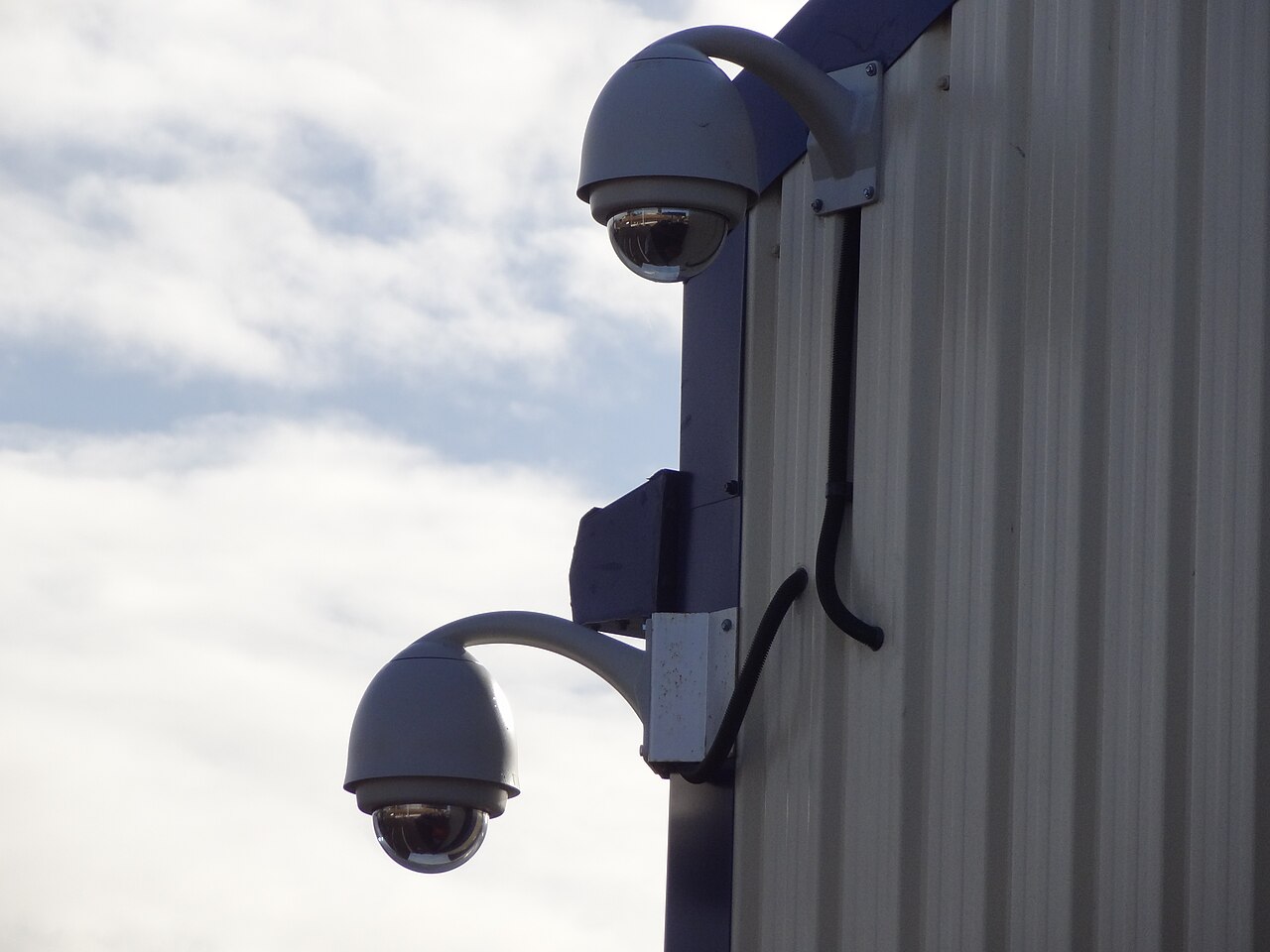
Focal length decides the coverage width; the housing does not decide how far the camera sees — cameras in the same series usually share one housing and differ only by the few millimetres printed on the lens.
4. Reversing the lens: three real camera points worked through
With those two formulas, selection can be done backwards: fix “how far away, and what must be seen”, calculate the frame width needed, then choose focal length and resolution.
| Point and requirement | Distance | px/m needed | Resolution | Max frame width | Min focal length | Actual selection |
|---|---|---|---|---|---|---|
| Hotel entrance, identify | 20 m | 250 | 4MP | 10.24 m | 10.9 mm | 12 mm fixed |
| Loading bay, recognise | 30 m | 125 | 4MP | 20.48 m | 8.2 mm | 8 mm fixed |
| Floor corridor, identify | 10 m | 250 | 2MP | 7.68 m | 7.3 mm | 8 mm fixed |
| Plaza overview, detect entry | 60 m | 25 | 4MP | 102.4 m | 3.3 mm | 4 mm (2.8 mm gives only 21 px/m, below grade) |
| Driveway mid-section, identify | 15 m | 250 | 8MP | 15.36 m | 5.5 mm | 6 mm fixed |
The table makes two points. First, different points in the same building need different focal lengths and different resolutions — one model across the whole site is wrong to begin with. Second, “wide enough coverage” and “dense enough pixels” are in conflict: the wider a wide-angle lens covers, the lower the px/m at the same distance, so every point has to be worked back from the minimum focal length instead of guessed forwards from a viewing distance. For a point that must identify at 15 m, 8MP with 6 mm and 4MP with 12 mm both qualify; the first gives a wider frame that also covers both sides of the driveway, the second gives a narrower frame that watches a single point. The real price difference is not in the camera, it is in the storage behind it.
Two physical conditions are also routinely written in the wrong place: mounting height and tilt angle. Face identification requires the camera at roughly face height with a tilt of no more than about 30 degrees; mounted 6 m up a pole looking straight down, you see the top of the head and the shoulders only, and no pixel density rescues that. The camera schedule has to carry height, tilt and horizontal distance together — “distance 20 m” on its own is not enough.
5. Four numbers on the quote — what to push back on
| Marketing claim | What it actually means | What to ask in the RFQ |
|---|---|---|
| “4 megapixel” | Total pixel count only, nothing about pixel size | Sensor model plus pixel pitch in µm. At 4MP, 1/2.8″ is about 1.95 µm and 1/1.8″ about 2.81 µm — roughly double the area, close to one stop of low-light advantage |
| “0.001 lux” | Usually measured with a slow shutter and maximum gain | Ask for the lux and gain figures at a 1/30 s shutter. A slow shutter makes a static scene look bright and smears the moment a person walks |
| “IR range 30 m” | The nominal throw of the IR illuminator, not a usable recognition distance | Ask for wavelength (850 nm with a visible red glow, 940 nm without but less efficient), illuminator power, and the effective distance at 3 m height and 20 degrees tilt (practice discounts a nominal figure to 50–70 percent; that is field experience, not a standard) |
| “H.265 saves half” | Saves bitrate and storage, not image quality | Fix a bitrate ceiling in the spec (for example 4MP main stream ≤ 4 Mbps) and the encoding profile, otherwise the default bitrate at delivery is twice nominal and the storage simply does not fit |
6. Once pixels go up, the money goes into disks, switches and racks
This is the sum buyers most often miss. H.265, continuous recording, 30 days:
| Bitrate per channel | Per day | One channel, 30 days | 64 channels, 30 days (raw) | 8 TB disks (7.2 TB usable) |
|---|---|---|---|---|
| 2 Mbps (typical 2MP) | 21.6 GB | 0.65 TB | 41.5 TB | 6–7 disks |
| 4 Mbps (typical 4MP) | 43.2 GB | 1.30 TB | 82.9 TB | 12–13 disks |
| 8 Mbps (typical 8MP) | 86.4 GB | 2.59 TB | 165.9 TB | 25 disks or more |
Going from 2MP to 8MP across 64 channels turns 7 disks into 25, before RAID and hot spares. At the same time each 8MP channel eats more switch port bandwidth, the NVR’s ingest bandwidth and decoding capacity force a model change, and rack units, PoE budget and even room cooling have to be recalculated. Motion-triggered recording, which in practice stores roughly 40 percent of the time, can bring 8MP down to about 33 TB — but that is storage on demand, and you have to confirm the acceptance criteria allow it.
So the real selection principle is: high resolution on critical points, adequate resolution on circulation points. Put 8MP on the five to eight points at the entrance, cash desk and lift lobby, keep 2 to 4MP wide angle on the other fifty-odd channels, and both the total price and the storage come out lower than 8MP everywhere. The detailed storage and bandwidth arithmetic is in CCTV storage and bandwidth for a 500-room hotel; uplink and PoE port budgets are in 24-port PoE switch sourcing and structured cabling sourcing.
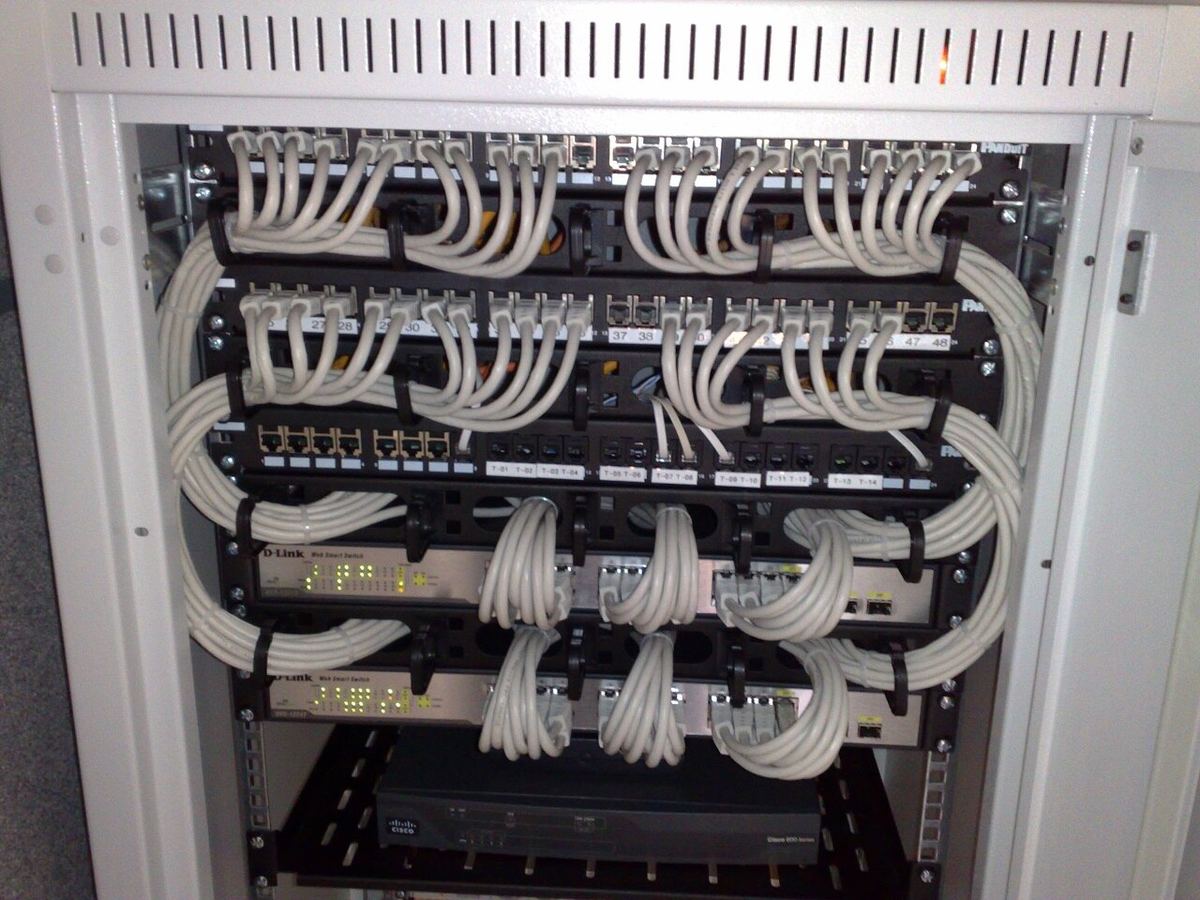
Once pixels go up, what really costs more is disks, NVR channels, switch ports and rack units — items that tend to be “quoted separately”.
7. The ten spec lines to put into the RFQ
Send the ten lines below as a table to three suppliers and the quotations become comparable (require a number in every line; “standard” and “normal configuration” are not accepted):
- Camera point number and location (indoor / outdoor / ceiling / pole)
- Mounting height and tilt angle in degrees
- Horizontal distance to the target in metres
- Purpose grade for that point (detect / observe / recognise / identify) and the corresponding px/m
- Which edition and grade table the calculation uses (62676-4 2014 four grades, or the newer seven grades)
- Required resolution and pixel pitch
- Lens type (fixed or varifocal), focal range, required horizontal field of view
- Low-light condition: lux and gain requirement at a 1/30 s shutter
- Encoding and bitrate ceiling, main and sub stream
- Acceptance method: snapshot at the nominal distance and measure the horizontal pixel count on the face (≥ 40 px is the floor for recognition)
Hand over the site camera plan and site photographs along with it and the answers come back in a completely different shape; that is also why the camera schedule has to be prepared early in the 500-room hotel ELV floor design.
8. Five acceptance checks on site
Daylight sample images hide every problem. These five decide delivery quality:
- Measure pixel density. Stand a person at the nominal distance, take a snapshot, measure the pixel width of the face. Under 40 px is “not recognisable”, which means the recognition grade was not met — harder evidence than any datasheet.
- Low light. Turn the illuminator off, leave ambient light only, snapshot at a 1/30 s shutter, and look at noise and motion smear rather than whether the static frame looks bright.
- IR in practice. At night, put a person at the nominal distance and see whether the facial outline resolves; IR falloff and focus shift show up at this step.
- Zoom and focus. On varifocal cameras check day focus and night focus separately (focus shifts at the IR wavelength), then lock the adjustment and record the focal length.
- Bitrate and continuous recording. Record one hour continuously, measure the average bitrate against the specified value, and verify NVR ingest and remote playback at full load.
Sample size and accept/reject rules follow the AQL sampling table; align the pre-shipment process with pre-shipment inspection in China and the surveillance camera QC checklist; verify certificates line by line with how to check a product certificate instead of trusting a PDF at face value.
9. Six traps
- Treating the pixel count as image quality. A 4MP wide angle across a lobby puts everyone at the observe grade, and when something happens nobody can be identified.
- Comparing megapixels and not pixel pitch. At the same 4MP, the night image difference between a small-pixel and large-pixel sensor is far bigger than the daylight difference.
- One model across the whole site. Wide angle everywhere is cheap and easy, and the price is that critical points are never sharp enough.
- Ignoring height and tilt. A 6 m pole looking down at a person 20 m away sees the top of the head; the schedule has to state height and angle.
- Quoting storage from a nominal 30 days. Real bitrate is twice nominal, so delivery holds 15 days — or the client pays for more disks.
- Accepting daylight samples only. Night IR performance, slow-shutter smear and focus shift all go unnoticed.
Next step: send us the camera schedule, get a spec review in 48 hours
If you have a floor plan, a camera schedule, or the previous supplier’s quotation, send it over — WhatsApp or email both work — and within 48 hours we return three things: (1) the pixel density grade each point needs from its distance and purpose; (2) the recommended resolution and focal length combination, including which points are not worth high resolution and how much storage that saves; (3) a set of spec lines and acceptance criteria you can send out for quotation as they are. We work on the buying side: supplier screening and factory audits, and quality control before shipment — the full process is in how we work.