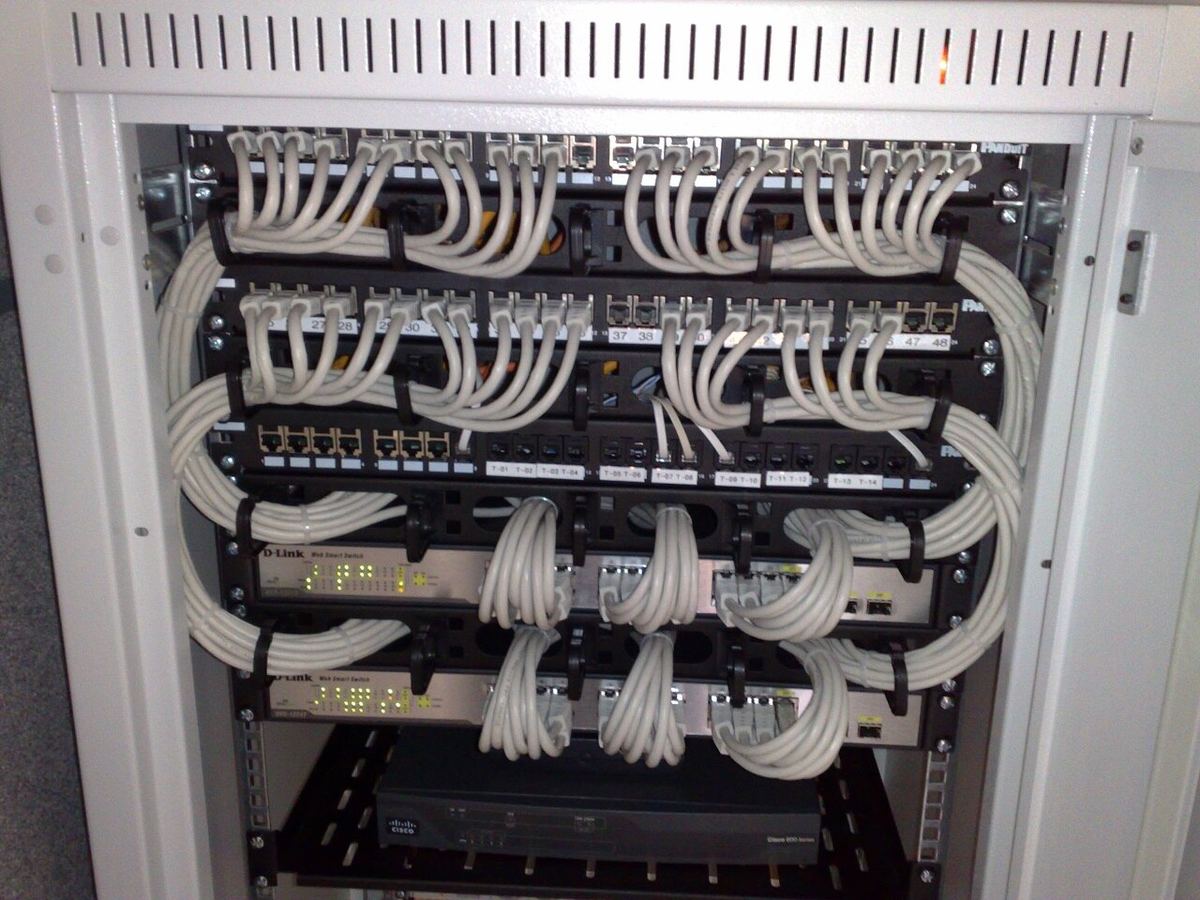
Two 24-port PoE switches. Same port count, same rack height, same product photos. One costs a third of the other.
This subsystem is one block of the wider ELV system package — cabling, security, intercom, AV and power backup specified and inspected as one scope.
The difference is never in the title. It is in six specifications that decide whether the switch runs a hotel camera network for eight years or reboots every time the lobby fills up. If you are sourcing network gear from China, these are the numbers to demand — and the ones to verify.
Spec 1: Switching Capacity (Backplane Bandwidth)
Switching capacity is the total data the switch’s fabric can move, measured in Gbps. The quick test is whether the quoted figure matches the ports you are paying for.
For a full-duplex switch, the calculation is:
Switching capacity = port count × port speed × 2
A 24-port gigabit switch with 4 SFP+ (10G) uplinks should therefore quote at least:
- 24 × 1 Gbps × 2 = 48 Gbps
- 4 × 10 Gbps × 2 = 80 Gbps
- Total: 128 Gbps
If a 24-port gigabit switch quotes 48 Gbps total while also advertising 10G uplinks, the uplinks are oversubscribed — the fabric cannot carry all ports at full speed at once. That is not always fatal in a hotel (cameras rarely max out their links), but you should know what you are buying, and the number tells you what class of switch you are actually being offered.
Spec 2: Forwarding Rate (Packets Per Second)
Forwarding rate tells you how many packets per second the switch can process. The line-rate benchmark is:
- 1 Gbps port: 1.488 Mpps
- 10 Gbps port: 14.88 Mpps
So a 24-port gigabit switch with 4 × 10G uplinks should be able to forward roughly:
- 24 × 1.488 = 35.7 Mpps
- 4 × 14.88 = 59.5 Mpps
- ≈ 95 Mpps
Compare that with the datasheet. A switch quoting 35 Mpps while carrying 10G uplinks is not a line-rate device — it will drop packets under load, which in a camera network shows up as stuttering recordings, not as a clean error.
Spec 3: PoE Budget (Total and Per Port)
This is where most surprises live. PoE switches are sold with a total power budget that is almost always lower than “ports × maximum per-port power.”
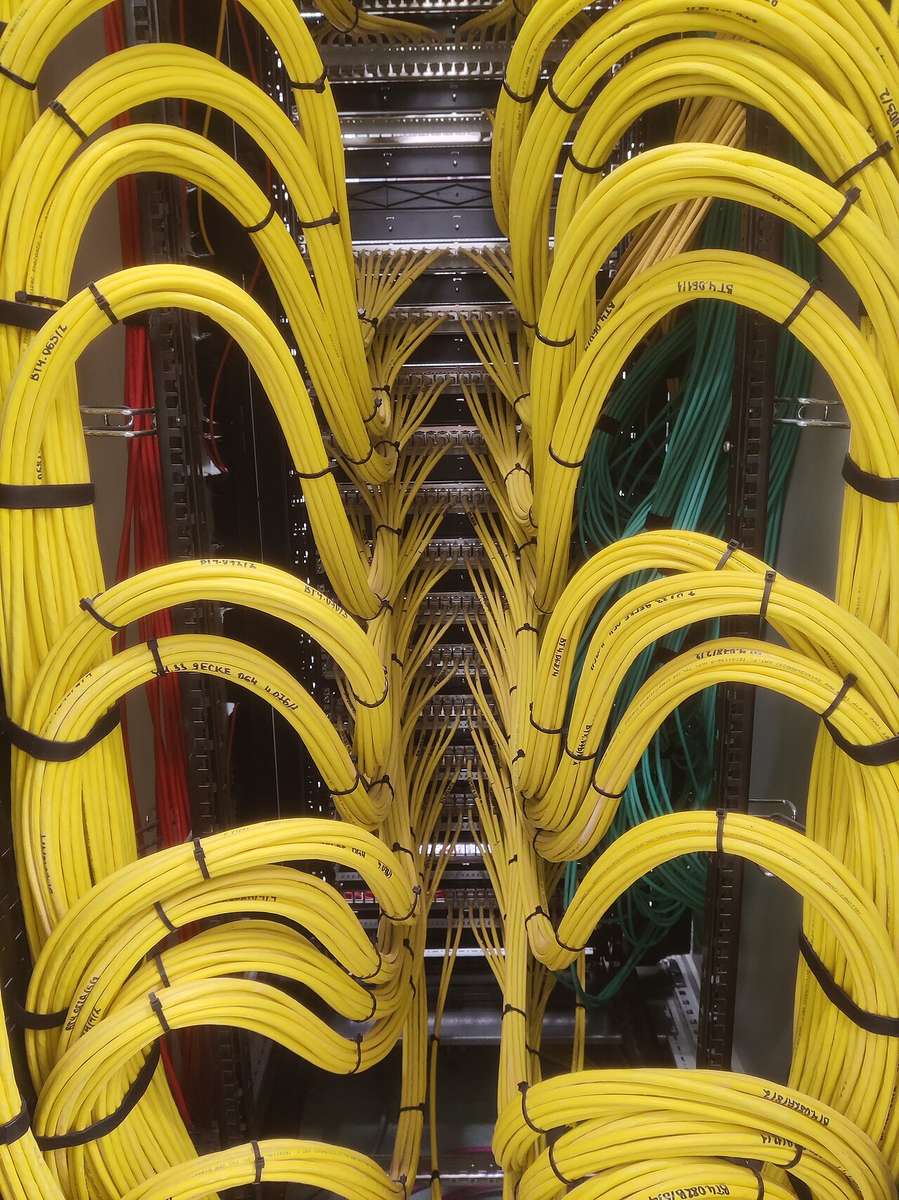
Take a 24-port PoE+ switch rated at 370 W total. Per port, 802.3at (PoE+) allows up to 30 W. But 24 ports × 30 W = 720 W — double the budget. The switch cannot power every port at full PoE+ simultaneously.
The practical consequences:
- Cameras: fixed 4–5 MP units typically run in the 802.3af range (up to 15.4 W at the port). A 370 W budget covers a full 24-port camera load comfortably.
- PTZ cameras and heated outdoor units: these push into 802.3at or the 802.3bt range (up to 60–90 W). A handful of them can consume a large share of the budget — check the arithmetic before you deploy.
- Wi-Fi 6 access points: high-density triple-band APs commonly sit at 802.3at or above, and more again when they power auxiliary radios.
How to specify it: add up the actual device loads, add headroom for the PTZ and heated units, and require the switch to sustain that total at the rated ambient temperature — not on a bench at 20 °C.
| PoE standard | Max power at port | Typical device class |
|---|---|---|
| 802.3af (PoE) | 15.4 W | Fixed cameras, IP phones |
| 802.3at (PoE+) | 30 W | PTZ cameras, standard APs |
| 802.3bt (PoE++) | 60–90 W | High-density APs, heated/PTZ outdoor units |
Spec 4: PoE Behaviour (Where Cheap Gear Breaks)
Power delivery is only half of the PoE story. The features that decide long-term reliability are behavioural:
- PoE watchdog — the switch detects a hung camera and power-cycles that individual port automatically. In a hotel where the nearest technician is hours away, this converts a service visit into a self-healing event.
- Perpetual PoE — devices stay powered during firmware upgrades, so maintenance does not reboot every camera at 3 AM and leave a recording gap.
- PoE priority / scheduling — when the total budget is tight, priority ensures the critical ports get power first (say, entrance cameras before corridor units).
- Surge and overload protection — per-port protection against short circuits and surges. Outdoor runs are exactly where this matters.
Ask for these in writing. “PoE supported” tells you nothing about whether a reboot mid-upgrade will blank out the surveillance system.
Spec 5: Packet Buffer
The buffer is the switch’s short-term memory for packets waiting to be forwarded, usually quoted in megabits. It matters most in exactly the traffic patterns hotel and camera networks produce:
- Bursty multi-camera traffic — several cameras sending high-bitrate streams at the same moment
- Converged traffic — camera data, TV multicast and guest Wi-Fi sharing uplinks
- Bufferless commodity silicon — small-buffer chipsets drop packets before the uplink has room, which shows up as freezes rather than lost connections
A switch with a shallow buffer performs fine in a lab with one streaming device and falls apart in production with twenty-four. When quoting, ask for the buffer size in Mb — and if the supplier cannot tell you, that is the answer.
Spec 6: Thermal Design and Environment
Heat is the silent killer of PoE switches, because PoE power is dissipated as heat inside the unit.
- Fanless vs. fanned: fanless designs (usually up to 8–16 PoE ports) are silent and dust-tolerant but need airflow clearance; fanned designs handle higher budgets and need filters maintained.
- Operating temperature range: an industrial-rated switch (often −20 °C to +60 °C or wider) costs more and survives installations in hot plant rooms, basements and outdoor cabinets. A “0–40 °C” comfort-rated switch in a Dubai roof cabinet is a warranty claim waiting to happen.
- Surge protection level: outdoor and long-run installations should specify the switch’s surge rating, not assume it.
If the switch is going into a rack in a conditioned server room, this section is a nice-to-have. If it is going into a floor telecom closet in a hot climate, it is the specification that decides the project.
Spec 7: Management and Monitoring
A managed switch is what makes a network maintainable:
- VLAN support — mandatory if you are isolating camera, guest and office traffic
- QoS — so TV multicast and voice traffic are not starved by a backup job
- Loop protection — a misconnected cable should be blocked automatically, not take the floor down
- Cloud or web management — remote visibility into port status, PoE draw and device health; essential for sites without on-site IT
- SNMP — integration with whatever monitoring the operator already runs
For multi-floor hotels and multi-building sites, cloud management is not a luxury: it is the difference between diagnosing a problem from a dashboard and flying someone in to look at a blinking light.
How to Verify What You Are Buying
The datasheet is the start of the conversation, not the evidence. Pre-order verification that actually works:
- Ask for the test report for the exact model, including PoE budget verification and thermal results
- Request the real model number, then confirm it maps to a manufacturer datasheet — not to a trading company’s own naming
- Order one sample and load-test it: power the expected device mix, push line-rate traffic, watch for packet loss and thermal throttling
- Check the firmware — version history, upgrade path, and whether the management interface is fit for the staff who will use it
- Confirm the PoE budget at temperature, not at room temperature
- Verify warranty terms in the contract, including how units are replaced and who pays freight
Checklist: 24-Port PoE Switch Specification
- Switching capacity matches port count and uplink speed at full duplex
- Forwarding rate hits line rate (1.488 Mpps per gigabit port, 14.88 Mpps per 10G port)
- PoE budget covers your summed device load with headroom — and covers it at operating temperature
- PoE standards match your devices: af for cameras and phones, at for PTZ and APs, bt for the heavy units
- PoE watchdog and perpetual PoE are supported, not assumed
- Packet buffer is specified in Mb and adequate for converged traffic
- Thermal rating matches the installation environment
- Management includes VLANs, QoS, loop protection and remote monitoring
- Test evidence exists for the exact model you are buying
Get Network Hardware Specified and Verified
The difference between a switch that lasts and one that keeps rebooting is a page of specifications — and someone willing to verify them before shipping. Tell us what the network has to carry: device count, PoE classes, uplink distance, installation environment and management requirements. We will help you specify the right class of switch and verify that the units delivered match it.
👉 Contact our sourcing team or see how our product sourcing service works.