
When the engineering team for a 500-room hotel in Central Africa sat down to design the WiFi and network backbone, they were not solving a theory problem. They were solving a practical one: how do you give every guest, in a building with a rooftop revolving restaurant and a basement control room, internet that actually works — when the nearest network engineer is a plane ride away?
This subsystem is one block of the wider ELV system package — cabling, security, intercom, AV and power backup specified and inspected as one scope.
This is the story of how that network was designed: 383 access points mapped floor by floor, a three-tier switching architecture, PoE powering everything over one cable, cloud management standing in for a local IT team, and 90 days of surveillance footage stored on a single embedded storage unit.
What was the project scope for 18 floors and 500 rooms?
The hotel — the same 18-story project covered in our floor-by-floor ELV design case study — is finishing construction and opening next year. The building mixes transient guest rooms, suites, penthouses, offices and a rooftop revolving restaurant, each with different network demands.
The constraints were real:
- 500 rooms and public areas need reliable WiFi, not “best effort” coverage
- CCTV and IPTV share the same building infrastructure and must not interfere
- No local IT department — the maintenance model has to work remotely
- Unreliable terrestrial internet — the WAN itself cannot be taken for granted
The design that came out of those constraints is worth studying because every number in it is real.
What was the access point plan with 383 APs?
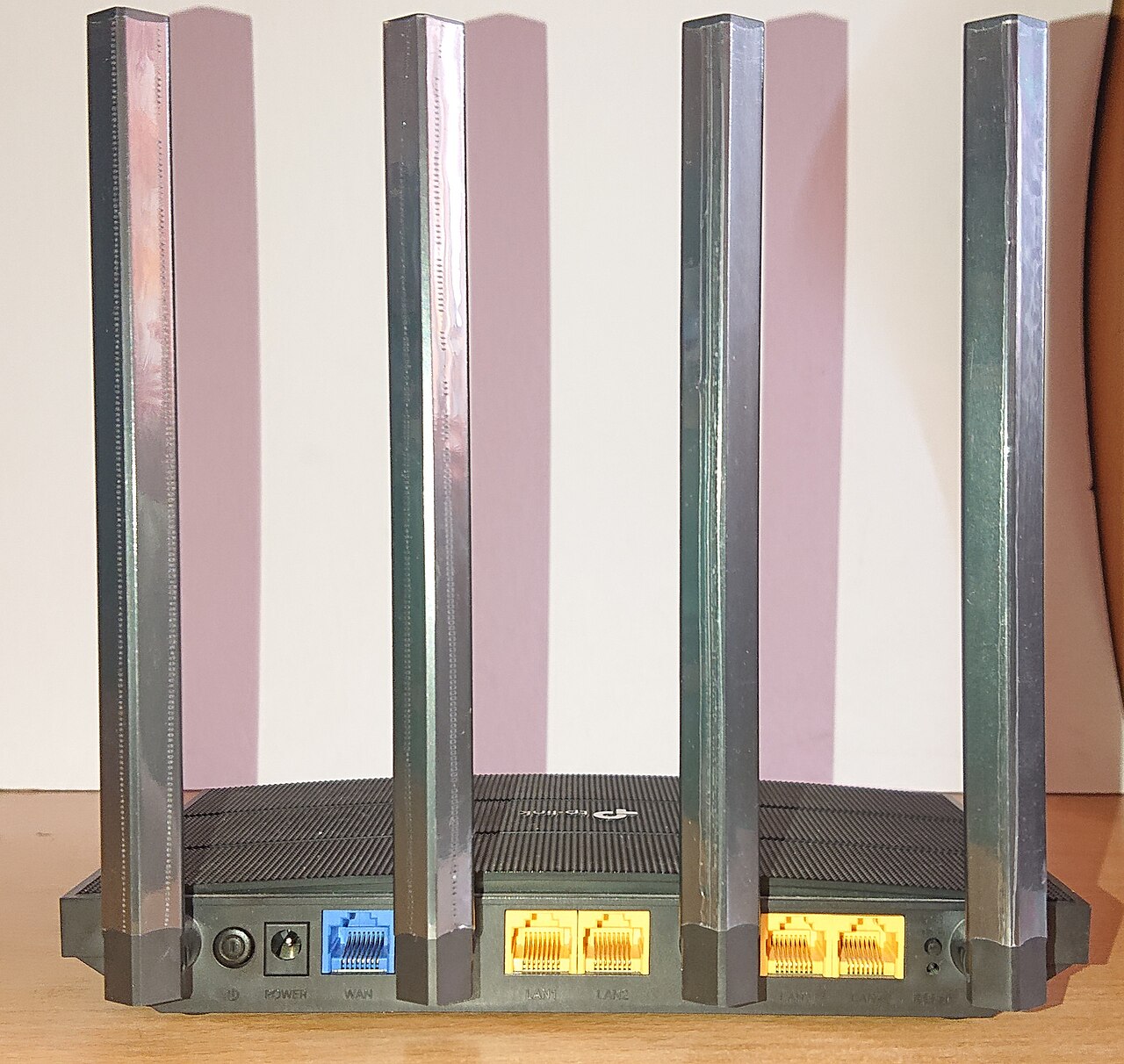
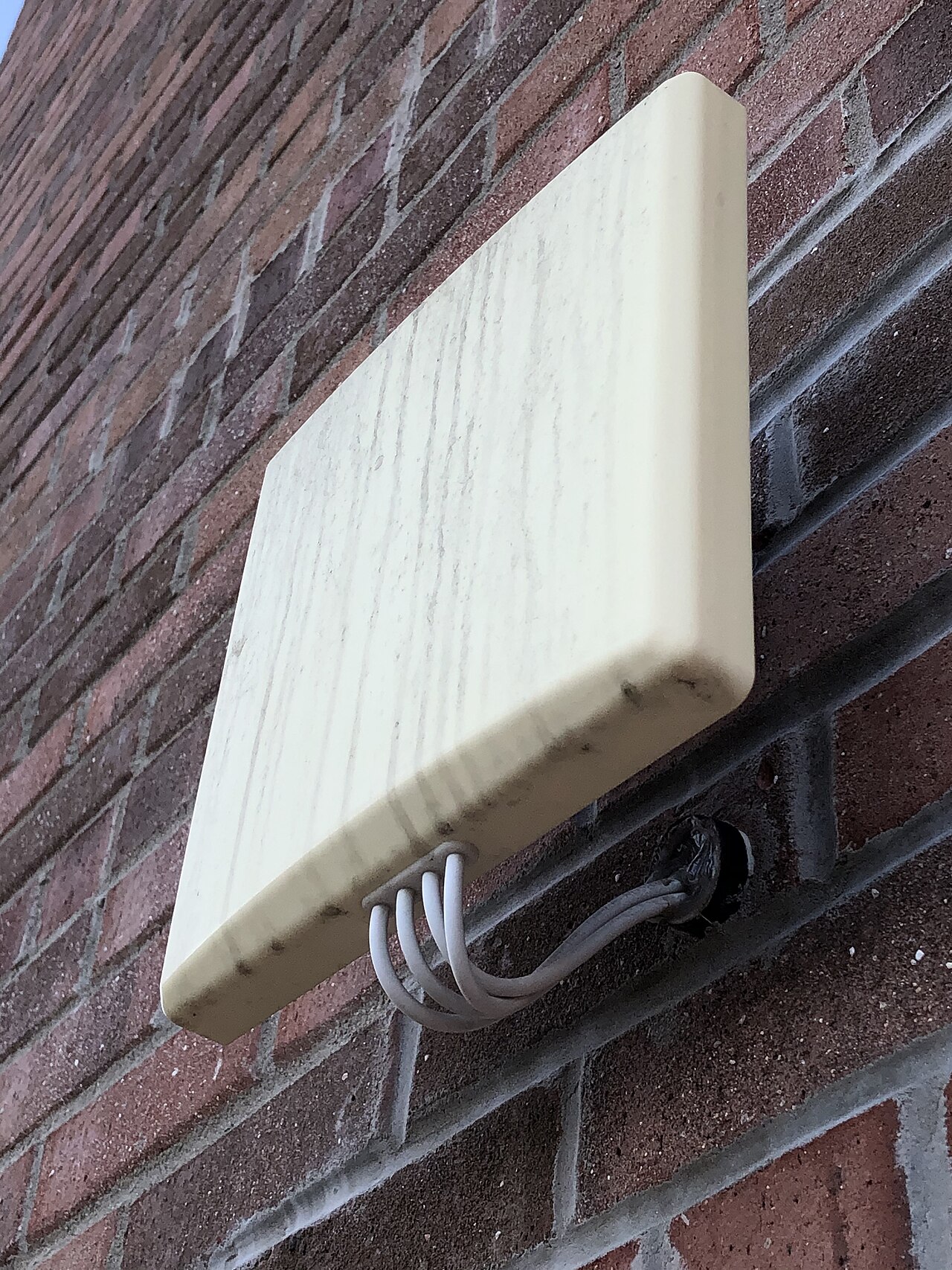
The network starts with Wi-Fi 6 access points in three physical forms, chosen for three different jobs:
| AP type | Mounting | Design capacity |
|---|---|---|
| Wall-plate AP | In-room, near TV/desk | Up to 60 users, dual-band, ~1.8 Gbps |
| Ceiling AP (high-density) | Corridors, lobby, open areas | Up to 300 users, triple-band, ~3.3 Gbps |
| Outdoor AP | Terrace, pool, roof | Up to 100 users, dual-band |
The full bill of materials — 383 access points in total — breaks down floor by floor:
| Floor / area | Wall-plate APs | Ceiling APs |
|---|---|---|
| Basement | 1 | 7 |
| Ground floor | 17 | 1 |
| Mezzanine | 7 | 16 |
| 1st–2nd floor (guest rooms) | 56 | 8 |
| 3rd–6th floor (guest rooms) | 88 | 16 |
| 7th floor suites | 22 | 1 |
| 8th floor suites | 20 | 1 |
| 9th terrace (leisure) | 15 | 1 |
| 10th–11th penthouses | 24 | 14 |
| 12th floor | 20 | 3 |
| 13th floor offices | 18 | 6 |
| 14th roof | 14 | 1 |
| Rotating restaurant | 10 | 1 |
| Total | 214 | 169 |
Two decisions in this table tell the real story:
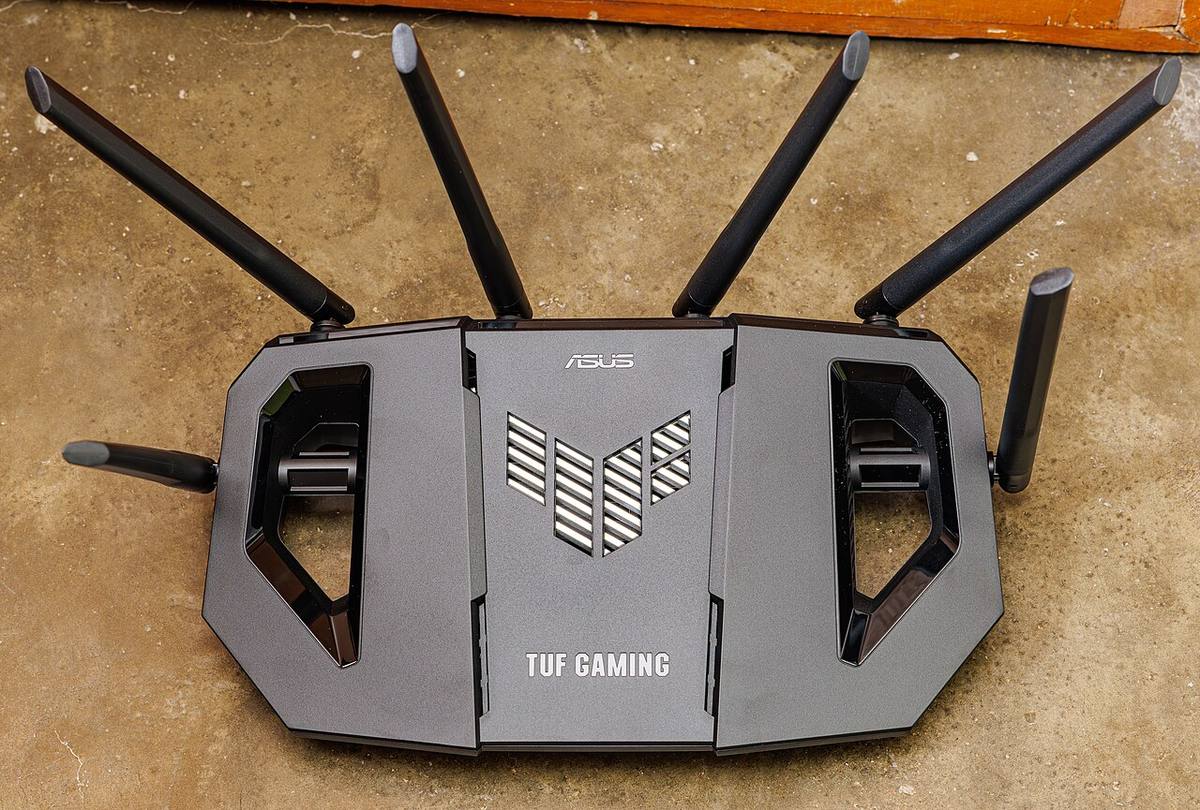
- Guest room floors are wall-plate heavy. Floors 1–6 carry roughly 10–14 wall-plate APs per floor — one per room zone. Transient guests do not roam; they sit in the room, so per-room coverage beats long-range ceiling units.
- The rooftop revolving restaurant gets 10 dedicated APs. A moving, glass-walled, crowded venue is one of the hardest WiFi environments in any building. It is also where guests take photos and post reviews. The AP count reflects that.
How were 2.4G and 5G coverage maps simulated before installation?
Every floor of the design includes simulated signal diagrams for both 2.4 GHz and 5 GHz — done before installation, not after complaints.
The simulations caught three things that a “just put an AP every 25 meters” approach would have missed:
- Coverage holes behind thick walls in bathrooms and corridor corners
- Channel overlap between neighboring APs — the classic 5 GHz problem where more APs actually make things worse
- Capacity hot spots — the ground-floor restaurant at breakfast, the lobby at check-in — where client density exceeds what a single radio can serve
Each diagram also shows the weak-current rooms (floor telecom closets) that anchor the cabling. The AP positions were checked against where cable could actually run, so the coverage plan never left the drawing board.
What are the core, aggregation, and access layers of the backbone?
Behind the APs is a three-tier switching architecture sized for the building’s 70-meter height:
- Core switch — a chassis unit with redundant power supplies and dual control modules, sitting in the basement control room. If a power supply or control card fails, the network stays up.
- Aggregation switches — 48-port units with 10G uplinks, one per group of floors.
- PoE access switches — cloud-managed units in each floor telecom closet that power and connect the APs and cameras.
The fiber backbone runs between floors, so a failed link on one floor cannot take out the floors above. For a hotel where an outage means guests checking out, this is the difference between a bad day and a catastrophe.
How does PoE provide one cable for power and data?
Power over Ethernet is how 383 APs and the camera network get fed without a second cable run. The design uses the full modern PoE range:
| PoE class | Power per port | What it feeds |
|---|---|---|
| 802.3af | 15 W | Phones, low-power devices |
| 802.3at | 30 W | Standard Wi-Fi 6 APs, most cameras |
| 802.3bt | up to 90 W | High-density triple-band APs, PTZ cameras |
Three PoE features were specified because the hotel cannot afford a technician visit for every hiccup:
- PoE watchdog — the switch detects a hung camera or AP and power-cycles just that port. The system heals itself in minutes.
- Loop protection — a misconnected cable that would loop the network is detected and blocked instead of taking down a floor.
- Perpetual PoE — devices stay powered during switch firmware upgrades, so maintenance never reboots the whole camera system at 3 AM.
How does cloud management act as a remote IT department?
This is the design decision that makes the project viable in Central Africa. Every switch, router, AP and camera is cloud-managed — registered to a cloud platform where the operator configures and monitors the entire property from one dashboard.
What that means in practice:
- Guided setup in about five minutes per device group — no command-line configuration, no on-site specialist required
- Remote troubleshooting down to the minute — locate a dead camera, view a live snapshot, restart the device or its switch port remotely
- One-click port restart — the most common hotel-network fix (“just reboot it”) becomes a remote action
For a property where the nearest engineer may be hundreds of kilometers away, cloud management is not a nice-to-have. It is the maintenance plan.
How can one storage unit hold 90 days of video?
The surveillance side of the network has its own storage requirement: the CCTV design calls for 90-day retention. The solution is an embedded video storage (EVS) unit — a 48-bay appliance that absorbs the full retention window in one rack unit:
- Capacity: supports 20 TB enterprise drives across 48 bays
- Redundancy: RAID 0/1/5/6/10/50/60 plus N+M clustering — a failed drive or node does not lose footage
- Performance: dual CPU, 16 GB RAM (expandable), handling over a thousand camera channels
- Direct stream storage: cameras write straight to the storage appliance, with no forwarding media server in between — fewer components, fewer failure points, lower cost
The storage and the intelligent video surveillance servers sit in the 13th-floor office area — physically isolated from guest WiFi, per the project’s four-network isolation rule (CCTV, IPTV, office, guest WiFi each on their own network).
What does this case study teach?
- AP type follows room type. Wall-plate for guest rooms, high-density ceiling for open spaces, outdoor for the terrace — not one model everywhere.
- Simulate before you install. 2.4G and 5G coverage maps on every floor caught holes and interference before a single cable was pulled.
- Design for remote operation. Cloud management and PoE watchdog turned “wait for a technician” into “self-heals in minutes.”
- Redundancy is non-negotiable. Dual power and control modules on the core, fiber between floors, RAID and N+M on storage.
- Isolate the networks. Guest WiFi, CCTV, IPTV and office each on separate switches and links — the cheapest security in the building.
How can you build the same network for your hotel?
Every number in this case study — the 383 APs, the per-floor table, the switch architecture, the storage sizing — came from a real bill of materials for a real 500-room project. If you are building or upgrading a hotel, send us your floor plan and room count, and we will turn it into a complete WiFi, switching and storage package, quoted and itemized.
👉 Contact our sourcing team or see how our product sourcing service works.
Basis for this case study: internal project records — design drawings, bill of materials and site records from this project. The client’s name and commercial terms are withheld at the client’s request.
Related: hotel WiFi network design for a 500-room property and hotel IPTV system integration.